

SIGNS, Custom Printing, Vehicle Graphics
T (604) 259 1019
Email: info@printingcenter.ca
Canada Printing Centre Inc
7676 Winston St, Burnaby, BC V5A 2H4

Artwork Requirements
Use high-resolution artwork at 300 DPI for the best print quality. Set your file to the correct size and keep important text, logos, and images inside the safe area.
Accepted File Formats
Prepare your artwork in a suitable format, such as PDF, AI, EPS, PSD, TIFF, or high-resolution JPG. For the best results, send a print-ready PDF whenever possible, subject to your product's requirements.
Colour Mode and Resolution
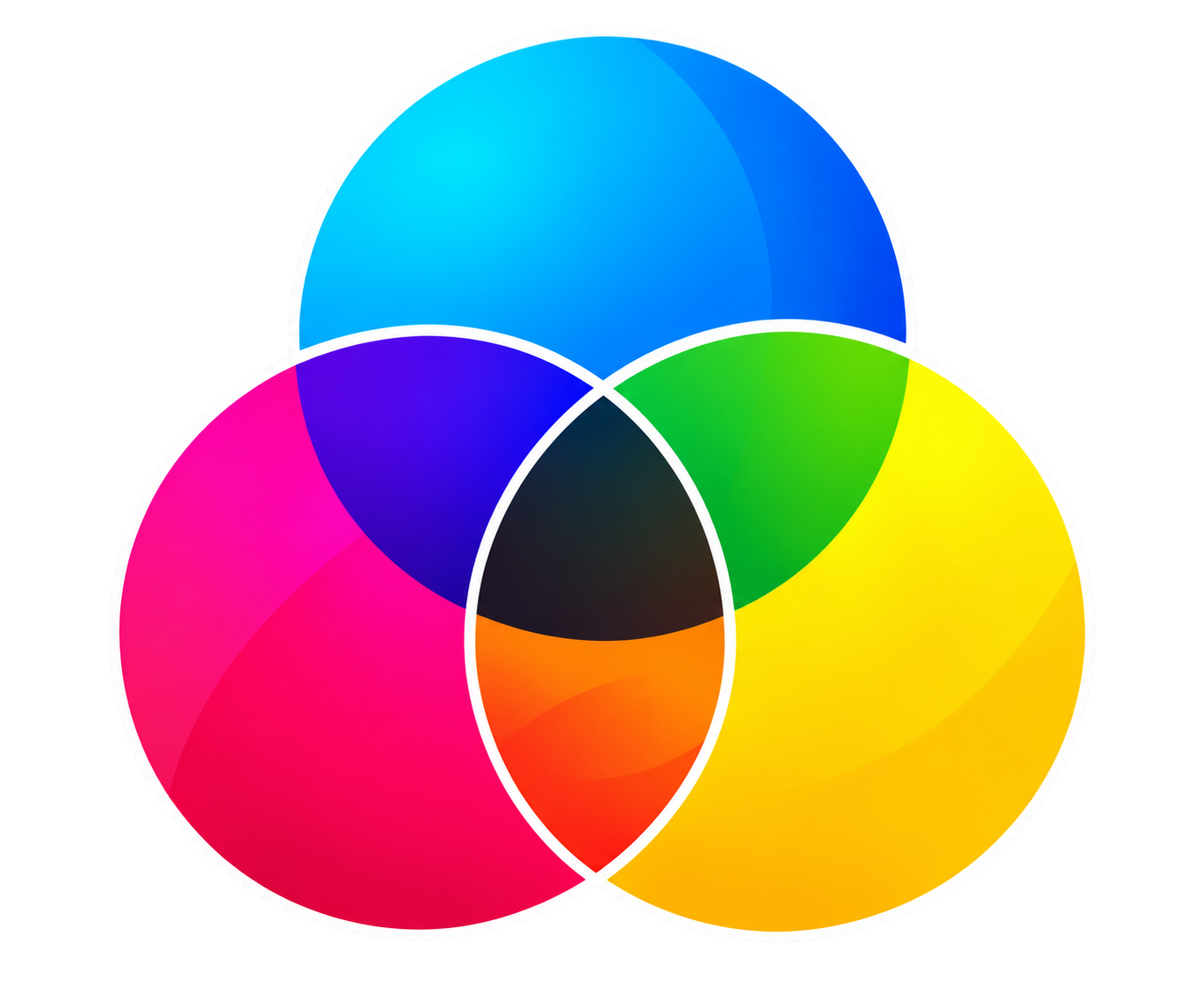
Use CMYK colour mode for print artwork whenever required. Set raster images to 300 DPI at the final print size where appropriate. Colours may look different on screen than they do in the final printed product.

Bleed and Trim
Add 3 mm of bleed on each side when required by the product specifications. Extend background colours and images beyond the trim edge, and include trim marks when requested. Keep important content within the safe area.

Fonts and Graphics
Embed fonts or convert them to outlines when appropriate. Use high-quality images, clean vector graphics, and clear logos. Check that all text is readable and that no images appear stretched, pixelated, or blurry.

Final Checklist
Before submitting your artwork, check the dimensions, resolution, colours, spelling, fonts, bleed, and safe margins. Make sure your design matches the product you ordered and review the final proof carefully before approving it for printing.


© Canada Printing Centre Inc. 2026. All rights reserved.